
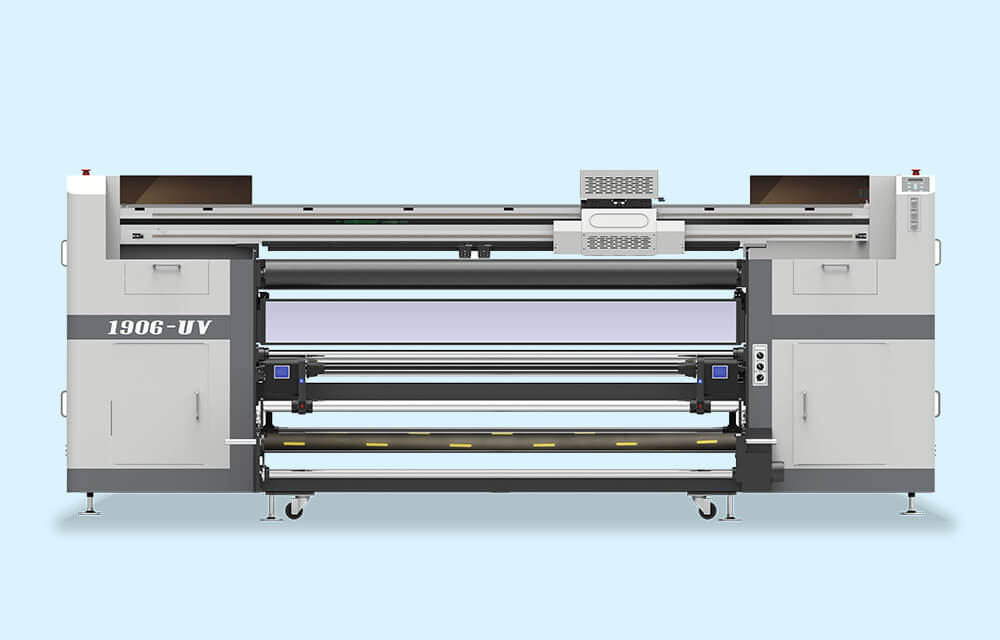
In freezing winter, when the temperature hovers below zero, many users complain about various problems during the normal operation of inkjet printers, such as blurred printing, line breaks, ink splattering, and skew jetting. The main reasons for these issues are cold and dry weather with excessively low temperatures.
Low temperatures in winter can cause various malfunctions affecting the normal operation of inkjet printers. Therefore, extra care must be taken when using the printer in winter, especially regarding indoor temperature and humidity.
1. Maintain Optimal Indoor Temperature
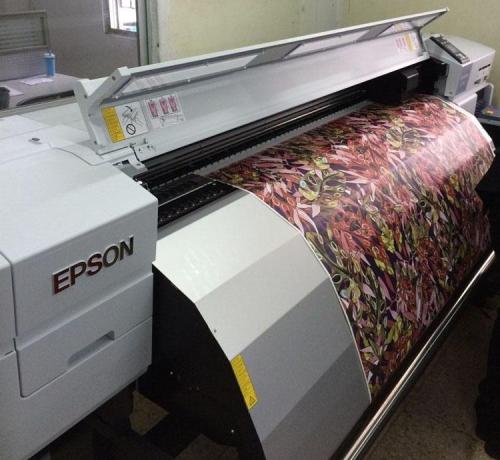
The ideal indoor operating temperature for inkjet printers is 15℃-30℃. When the indoor temperature is too low, the printer’s normal work will be greatly affected, which also delays the user’s workflow. Therefore, it is essential to keep the indoor environment at the optimal temperature during daily use. It is advisable to preheat the workspace in advance, such as turning on air conditioners or electric heaters.
2. Effectively Eliminate Static Electricity
Winter weather is dry with low humidity, making it prone to static electricity—a common physical phenomenon usually generated by friction. When the inkjet printer operates at high speed, a large amount of static electricity is likely to be produced. Static electricity can interfere with the printhead, causing problems like messy colors, ink splattering, and ink bleeding on printed images. In severe cases, it may even directly damage the printhead or circuit boards. Thus, proper anti-static measures are crucial:

- Keep indoor humidity between 35%-65% to fundamentally minimize static electricity generation. When using an air conditioner indoors, it is best to turn on a humidifier simultaneously to increase air humidity and ensure the printer’s optimal operating humidity.
- Install the printer’s ground wire. Each inkjet printer leaves the factory with a dedicated grounding wire connection point. Before using the printer, users should bury the ground wire 2-3 meters deep underground and pour saltwater around it to enhance conductivity.
- Control the printing speed. During the printer’s operation, friction between the carriage and guide rail, as well as between the printing medium and paper-pressing wheels, can generate static electricity. Higher printing speeds increase the risk of significant static buildup. Therefore, the printing speed must be properly controlled during normal operation.
In addition to temperature and humidity, ink quality directly affects the winter printing effect. Ink viscosity increases as the temperature drops; higher viscosity ink is more likely to clog nozzle holes, leading to printing line breaks. It is recommended to choose high weather resistance original ink, such as Tiancai original ink. Made from imported raw materials, it flows smoothly, is less affected by temperature changes, and ensures uninterrupted printing for long periods.
Moreover, proper ink storage is important. Ink can easily deteriorate if kept in environments below zero for a long time. It is best to store ink in a 15℃-30℃ environment.
Inkjet printers are precision instruments, and the printhead is particularly delicate. In addition to the above points, users should also take good care of the printhead during winter use, including regular cleaning, moisturizing, and anti-static maintenance.
Reprinted from zzskycolor.