
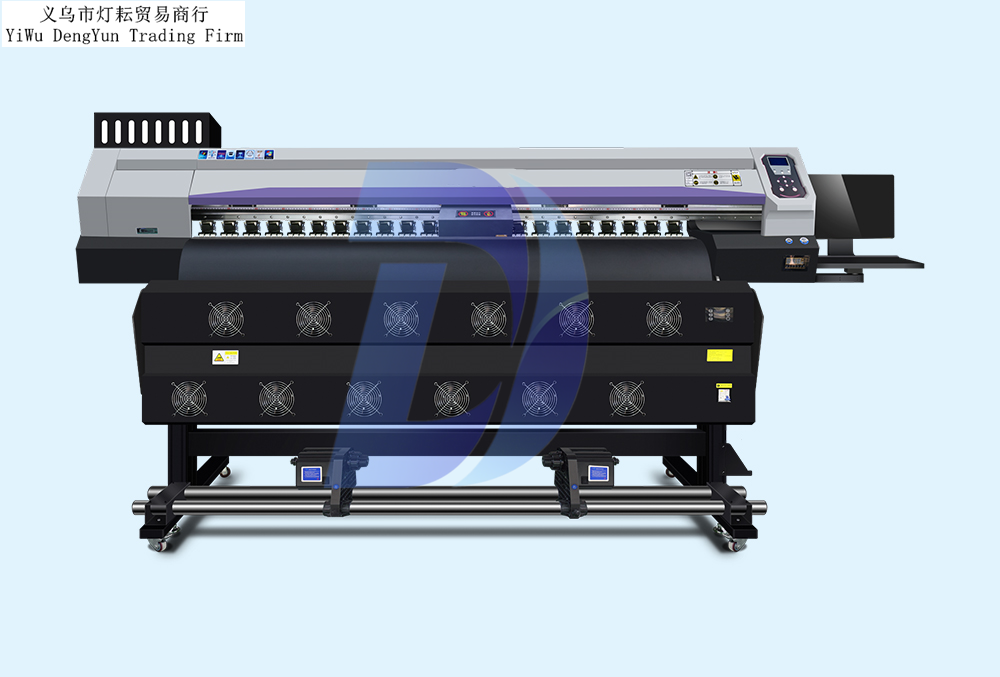
To print perfect images, there are many parameters to adjust when using an inkjet printer, among which feathering printing is one. So how much do you know about the feathering printing of inkjet printers, and what important role does it play in image printing?
As a digital printing device, an inkjet printer completes the entire printing process by transmitting data from a computer to the device. It gradually outputs the image through the left-right movement of the carriage equipped with nozzles, and the entire image is printed stroke by stroke. The so-called 4PASS, 6PASS, and 8PASS refer to the number of movements of the carriage (i.e., the number of sprays of the nozzles) required to complete the full output of the image within a unit size. Precisely because the carriage moves back and forth for printing, PASS lines—visible parallel textures on the image—are likely to occur due to various reasons during the printing process.
The greatest significance of the feathering printing function is to solve the problem of PASS lines, avoiding such visible textures during printing and comprehensively improving image quality. The important roles of the feathering function of Tiancai inkjet printers in image printing are as follows:
Firstly, these three feathering functions effectively prevent the generation of PASS lines. Once PASS lines appear, they cannot be eliminated, which will affect the image effect.
Secondly, another important role of the feathering function is to prevent ink waste. Inkjet printer ink is a consumable, and it can cost a considerable amount of money a year. This feathering inkjet method effectively avoids ink waste.
Thirdly, the feathering printing method effectively improves printing quality. The quality of printing is related to the effect of advertisements, and good effects can bring you greater economic value.
The importance of feathering printing for printed outputs is self-evident. Therefore, when adjusting the parameters of the inkjet printer, do not forget to adjust the feathering printing setting.
Reprinted from zzskycolor.