
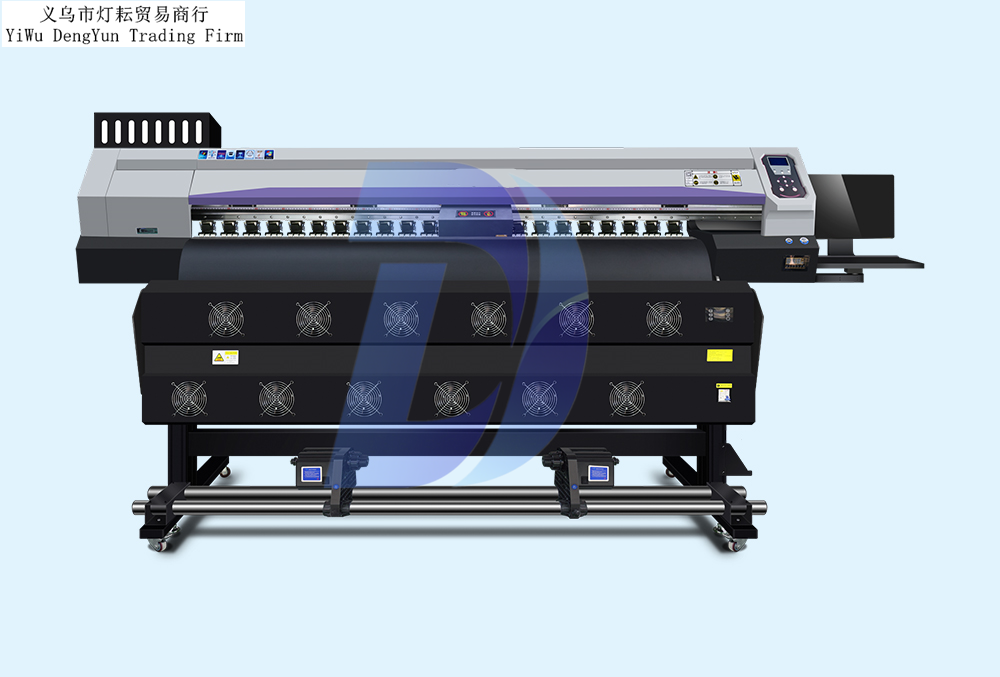
What impact will high temperatures have on inkjet printers if proper cooling and dehumidification are not carried out?
1. Inkjet printers continuously generate heat during operation. If ventilation and heat dissipation are not timely, and heat accumulates to a certain extent, it may easily cause malfunctions in the relevant control boards of the inkjet printer. The data chips on the main board will affect data transmission, resulting in slower printing speeds, and may even cause damage to chips, electronic components, and circuits.
2. In a high-temperature environment, the fluidity of the ink will deteriorate, which may easily lead to ink breakage. This will result in poor print quality of the images, with broken lines appearing.
3. If an inkjet printer is kept in a space with excessive humidity for a long time, it is prone to ink clogging. At the same time, precision data chips and electronic components are susceptible to corrosion, which affects the service life of the inkjet printer.
Therefore, the humidity in the equipment room should be maintained between 35% and 65%. Therefore, it is hereby reminded to all advertising professionals that when using inkjet printers in high-temperature weather, it is essential to pay attention to proper cooling.
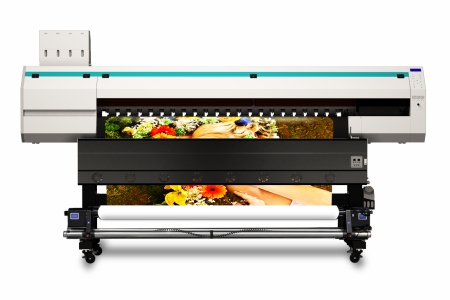
Key Points for Maintaining Inkjet Printers in High Temperatures
1. The indoor temperature for operating an inkjet printer should be between 15-30°C. Given the current frequent high temperatures of 35°C or more, it is essential to use fans or air conditioners for cooling.
2. Dryness often accompanies high temperatures. In such cases, attention should be paid to anti-static measures and preventing ink from drying out. Frequently sprinkling a little water on the floor helps prevent excessively dry indoor air. Additionally, install a grounding wire for the inkjet printer to prevent static electricity.
3. In high-temperature environments, do not connect too many devices to a single power strip. The inkjet printer and computer can be equipped with a dedicated power strip, and the external dryer should use a separate one. Other electrical appliances such as chargers, fans, and air conditioners need to be connected to another power strip and should not share the same one as the inkjet printer.
4. Summer in southern regions is not only hot but also rainy. Excessive humidity will affect the drying speed of printed images. To avoid ink sticking together when rolling up due to incomplete drying, it is recommended to use a cold fan for air-drying.
5. During rainy summers, humid weather can affect the normal operation of inkjet printers. It is advisable to use a dehumidifier for dehumidification. Meanwhile, the outer shell of the main printer should be properly covered to prevent moist air from damaging related circuit boards and components.
6. To ensure the stable and continuous operation of the inkjet printer in summer, it is crucial to strictly control the indoor temperature and humidity. It is best to place a thermometer and a hygrometer indoors for real-time monitoring and timely adjustments.
With the arrival of persistent high temperatures in summer, when using inkjet printers, special attention must be paid to preventing overheating and maintaining appropriate operating temperature and humidity.
Reprinted from Zhengzhou New Century